본 문서는 https://www.w3schools.com/html/default.asp를 공부하기 좋게 요약해 놓은 것입니다.
클래스 속성 사용하기
class속성은 종종 스타일 시트 클래스 이름에 포인트로 사용됩니다. 특정 클래스 이름을 가진 요소에 액세스하고 조작하기 위해 JavaScript에서 사용할 수도 있습니다.
다음 예 에는 "city" 값을 가진 속성 이 있는 세 개의 <div>요소 가 있습니다 class. 세 가지 <div> 요소는 모두 .city head 섹션 의 스타일 정의에 따라 동일하게 스타일이 지정됩니다 .
<!DOCTYPE html>
<html>
<head>
<style>
.city {
background-color: tomato;
color: white;
border: 2px solid black;
margin: 20px;
padding: 20px;
}
</style>
</head>
<body>
<div class="city">
<h2>London</h2>
<p>London is the capital of England.</p>
</div>
<div class="city">
<h2>Paris</h2>
<p>Paris is the capital of France.</p>
</div>
<div class="city">
<h2>Tokyo</h2>
<p>Tokyo is the capital of Japan.</p>
</div>
</body>
</html>
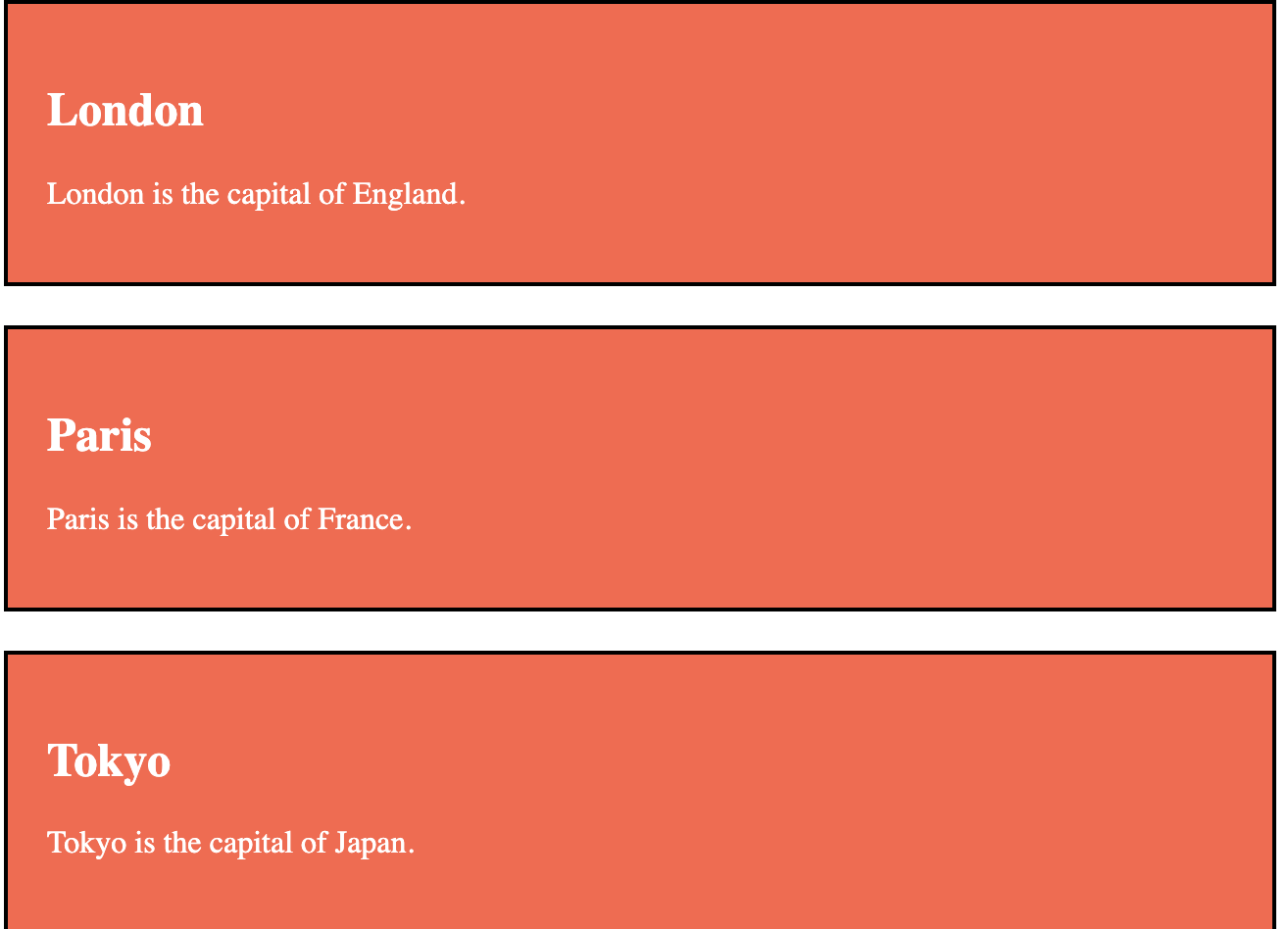
다음 예 에는 값이 "note"인 속성 이 있는 두 개의 <span>요소 가 있습니다 class. 두 <span> 요소 모두 .note 헤드 섹션 의 스타일 정의에 따라 동일하게 스타일이 지정됩니다 .
<style>
.note {
font-size: 120%;
color: red;
}
</style>
</head>
<body>
<h1>My <span class="note">Important</span> Heading</h1>
<p>This is some <span class="note">important</span> text.</p>

클래스 구문
클래스를 생성하려면 마침표(.) 문자를 쓰고 그 뒤에 클래스 이름을 씁니다. 그런 다음 중괄호 {} 안에 CSS 속성을 정의합니다.
<style>
.city {
background-color: tomato;
color: white;
padding: 10px;
}
</style>
</head>
<body>
<h2 class="city">London</h2>
<p>London is the capital of England.</p>
<h2 class="city">Paris</h2>
<p>Paris is the capital of France.</p>
<h2 class="city">Tokyo</h2>
<p>Tokyo is the capital of Japan.</p>

여러 클래스
HTML 요소는 둘 이상의 클래스에 속할 수 있습니다.
여러 클래스를 정의하려면 클래스 이름을 공백으로 구분하십시오(예: <div class="city main">). 요소는 지정된 모든 클래스에 따라 스타일이 지정됩니다.
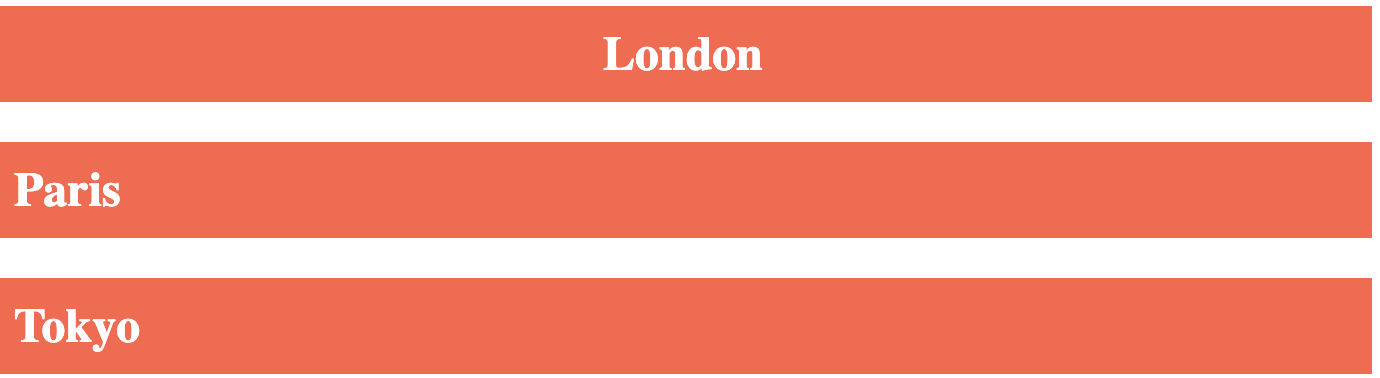
다음 예제에서 첫 번째 <h2>요소는 city클래스와 클래스 모두에 속하며 두 클래스 모두 main에서 CSS 스타일을 가져옵니다.
.city {
background-color: tomato;
color: white;
padding: 10px;
}
.main {
text-align: center;
}
</style>
</head>
<body>
<h2>Multiple Classes</h2>
<p>Here, all three h2 elements belongs to the "city" class. In addition, London also belongs to the "main" class, which center-aligns the text.</p>
<h2 class="city main">London</h2>
<h2 class="city">Paris</h2>
<h2 class="city">Tokyo</h2>
JavaScript에서 클래스 속성 사용
클래스 이름은 JavaScript에서 특정 요소에 대한 특정 작업을 수행하는 데 사용할 수도 있습니다.
JavaScript는 getElementsByClassName()메소드를 사용하여 특정 클래스 이름을 가진 요소에 액세스할 수 있습니다 .
<button onclick="myFunction()">Hide elements</button>
<h2 class="city">London</h2>
<p>London is the capital of England.</p>
<h2 class="city">Paris</h2>
<p>Paris is the capital of France.</p>
<h2 class="city">Tokyo</h2>
<p>Tokyo is the capital of Japan.</p>
<script>
function myFunction() {
var x = document.getElementsByClassName("city");
for (var i = 0; i < x.length; i++) {
x[i].style.display = "none";
}
}
</script>

⇩(button push)

'Develop > HTML' 카테고리의 다른 글
| HTML 기초7 Iframes (0) | 2021.08.15 |
|---|---|
| HTML 기초6 ID (0) | 2021.08.15 |
| HTML 기초4 Block and Inline Elements (0) | 2021.08.11 |
| HTML 기초3 List (0) | 2021.08.11 |
| HTML 기초2 (0) | 2021.08.11 |


